
Best Budget Apps for Beginners in 2026
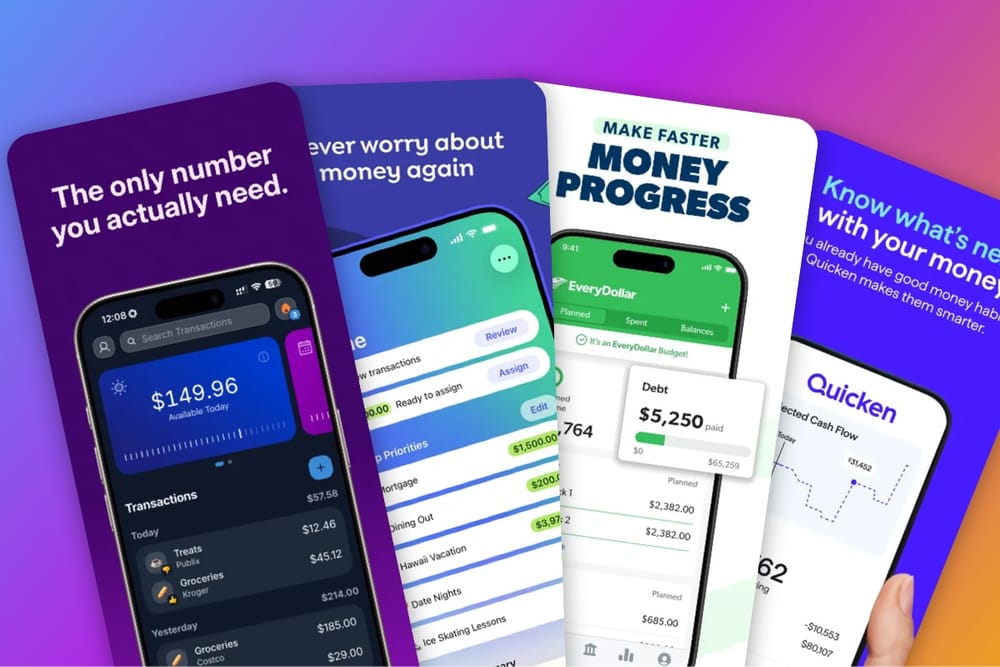
You Google "best budget app" and suddenly you're drowning in options.
YNAB wants you to commit to a 4-hour tutorial. EveryDollar throws around terms like "zero-based budgeting" like you're supposed to know what that means. Mint shut down (RIP to a real one). And your friend who claims to have their life together just showed you their Excel spreadsheet with 47 tabs and formulas that look like hieroglyphics.
Oh, and half of them want your bank password right off the bat. Because apparently that's just normal now?
Most budget apps assume you already know how budgeting works and just need software to manage it. They're not built for people starting from scratch. And they definitely weren't built for people who'd rather not hand their financial data to yet another company.
So let's talk about apps that actually make sense when you're new to this—no finance degree required, no weekend seminar, no handing over your bank login unless you actually want to.
What Makes Someone a "Budgeting Beginner"?
You're a beginner if you've never really tracked your spending before. Or maybe you tried once, felt overwhelmed, and gave up after three days.
You want to stop overdrafting but have no idea where to even start. Terms like "reconciling accounts" sound like something out of an accounting textbook.
What you actually need is simple: before you buy that coffee, you want to know if you can actually afford it without doing mental gymnastics with your bank balance.
The constant anxiety of checking your account and hoping it's not negative? Yeah, that's the thing you're trying to fix.
Maybe you're into "soft saving"—prioritizing experiences and mental health now instead of obsessively hoarding every dollar for some theoretical future. And you want to be able to tell your friends "I can't go out tonight" without the crushing guilt of feeling like you're failing at life.
You're NOT a beginner if you're already optimizing 15 different expense categories, tracking investment accounts across multiple platforms, or managing a household budget with two incomes and three kids. That's a different level entirely.
The goal for actual beginners is way simpler: stop spending more than you make, and don't turn budgeting into a part-time job in the process.
What Makes a Budget App Beginner-Friendly?
I tested a bunch of these apps, and honestly? Most of them fail at the basics.
Setup should take under 5 minutes. If I need to watch a tutorial video before I can even use the thing, it's not beginner-friendly. Full stop.
Give me one clear answer. Those dashboards with 12 different charts and graphs might look impressive in screenshots, but when I'm standing in line at the coffee shop, I just need to know: how much can I spend?
Don't make me feel like garbage. Some apps turn everything red and basically scream at you when you overspend in a category. That creates shame, not progress. Beginners need encouragement, not a judgmental robot.
The tracking part—whether you're manually entering purchases or letting it sync with your bank—should be fast. Like 10 seconds max. Any longer and you'll just stop doing it.
And the price can't add to your money stress. Paying $15/month for a budget app while you're actively trying to save money just feels... ironic?
The Best Budget Apps for Beginners
1. BentoMoney - Best for "Just Tell Me What I Can Spend"
Price:$14.99/year or $39 lifetime
Best for: People who want one simple number
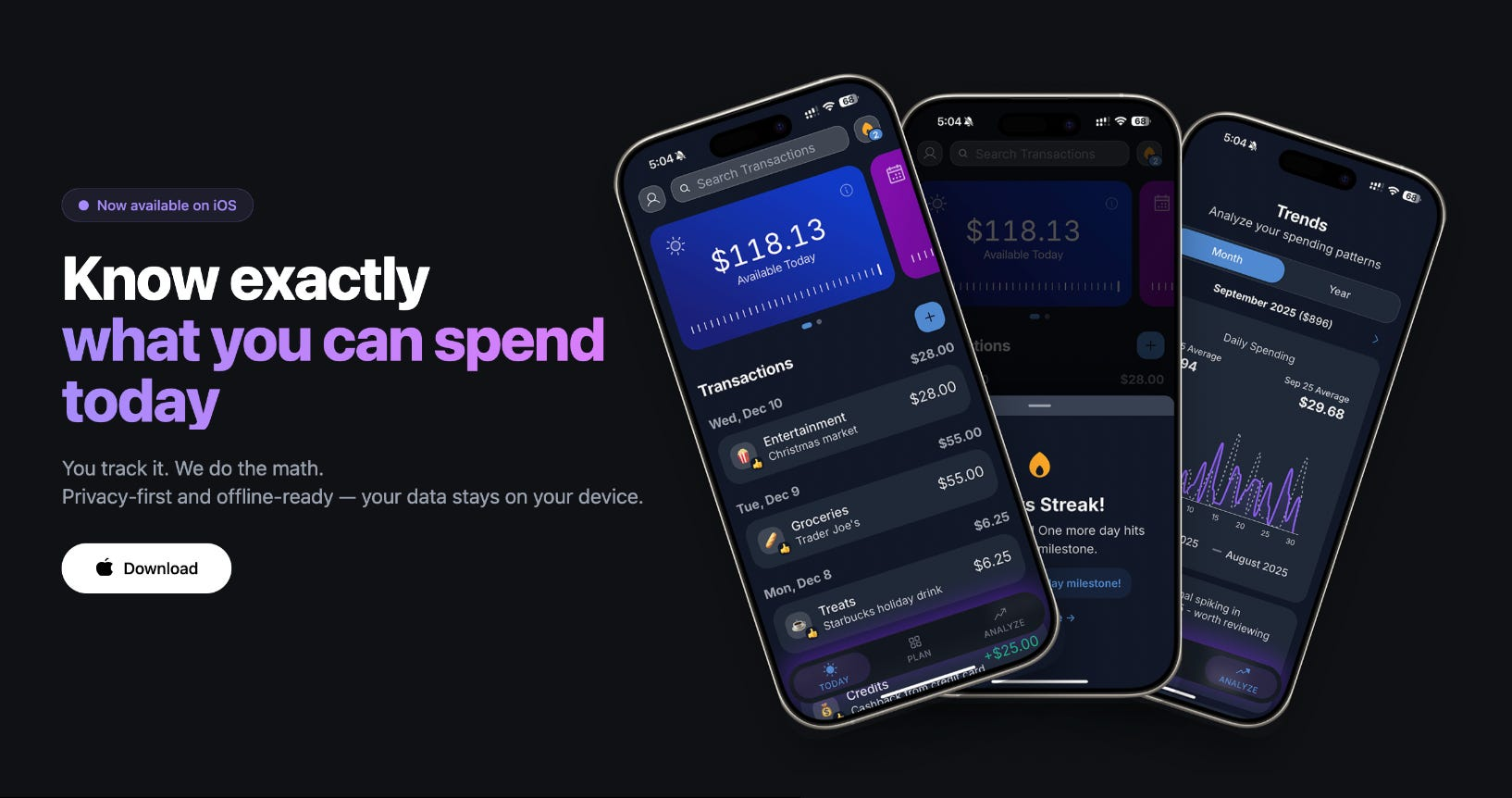
I built BentoMoney because I was tired of doing mental math every time I wanted to buy coffee. The whole point was to answer one question: exactly how much can I spend today?
If you want the detail, here is how BentoMoney works.
Here's how it works. You enter your income and fixed expenses once—just once—and BentoMoney calculates what's left over and divides it by however many days are left in the month. That number is your "safe to spend today" amount.
Buy a $5 coffee? Your number updates instantly to reflect that. Spend less than your daily budget? The extra money rolls over to tomorrow. I call this the "windfall effect," and it creates this positive loop where underspending today gives you bonus spending power tomorrow.
You start to feel it when you log purchases: "Oh, if I skip this $12 lunch, I'll have $57 tomorrow instead of $45." That awareness alone changes how you spend.
The whole thing works completely offline with timezone-safe calculations. No cloud sync, no delays, no "wait why is my balance wrong?" confusion.
Why it's #1 for beginners:
- Zero learning curve—you literally just enter income and expenses and you're done
- One number to check instead of juggling 15 categories
- Tracking a purchase takes under 10 seconds
- No subscription guilt ($39 and you own it forever)
- 100% offline, so your data never leaves your phone
The catch? It requires manual entry. But honestly, for beginners this is better. When you type in "$5 coffee," you feel it. It's like paying with cash—there's a psychological weight to it that automated tracking just doesn't have. You remember it.
If you've heard of the daily budget method where you calculate exactly what you can spend each day without doing mental math, this is basically that—except the app does all the math for you automatically.
Skip it if: You want detailed reports, investment tracking, or you're managing multiple accounts. BentoMoney is intentionally simple. That's the whole point.
2. YNAB (You Need A Budget) - Best for Breaking the Paycheck-to-Paycheck Cycle
Price: $14.99/month or $109/year
Best for: People ready to get serious about money
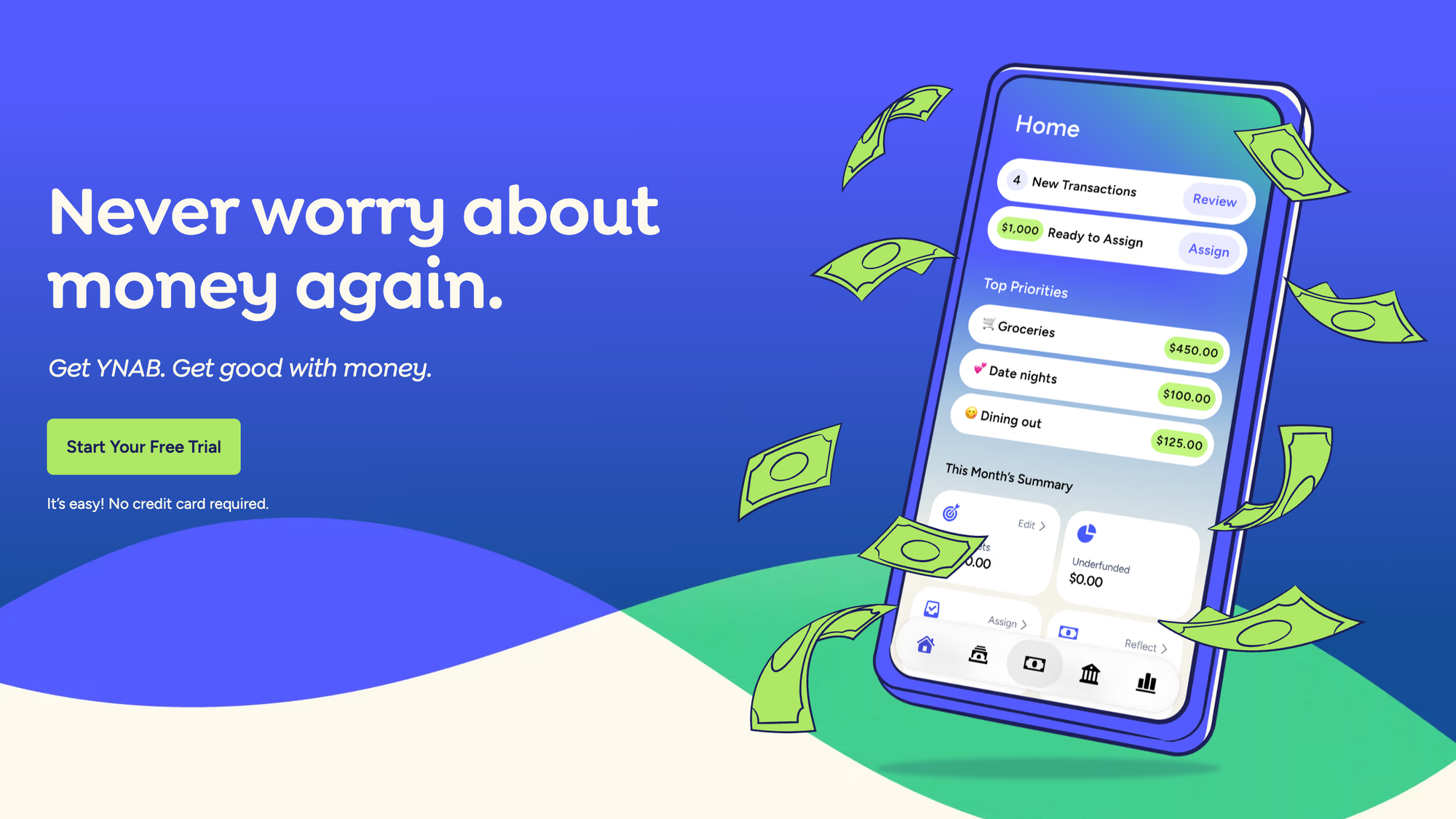
YNAB is the gold standard if you want to completely overhaul how you think about money. It's zero-based budgeting, which means every single dollar gets assigned a job. It's powerful. Millions of people swear by it for getting out of debt.
But I'm going to be real with you: YNAB is not what most people mean when they say "beginner-friendly." You're going to spend hours—plural—watching tutorial videos and setting up categories. The methodology works, absolutely. But it requires you to actually commit to learning a whole system.
Why beginners might love it:
- It forces you to be intentional with every dollar you spend
- The community is huge and the educational content is everywhere
- It genuinely breaks bad money habits if you stick with it
- Bank syncing reduces manual work (when it's not broken)
Why beginners might hate it:
- The learning curve is steep—like, plan for several hours of setup
- $109/year feels heavy when you're already broke
- You have to "reconcile" your accounts regularly to keep things accurate
- It can feel overwhelming if all you want is "can I afford coffee or not"
Look, YNAB is the right choice if you're ready to treat budgeting like a serious project for the next few weeks. If that sounds exhausting right now, try BentoMoney instead.
3. EveryDollar - Best for Dave Ramsey Fans
Price: Free (manual) or $79.99/year (bank sync)
Best for: People following the "Baby Steps" method
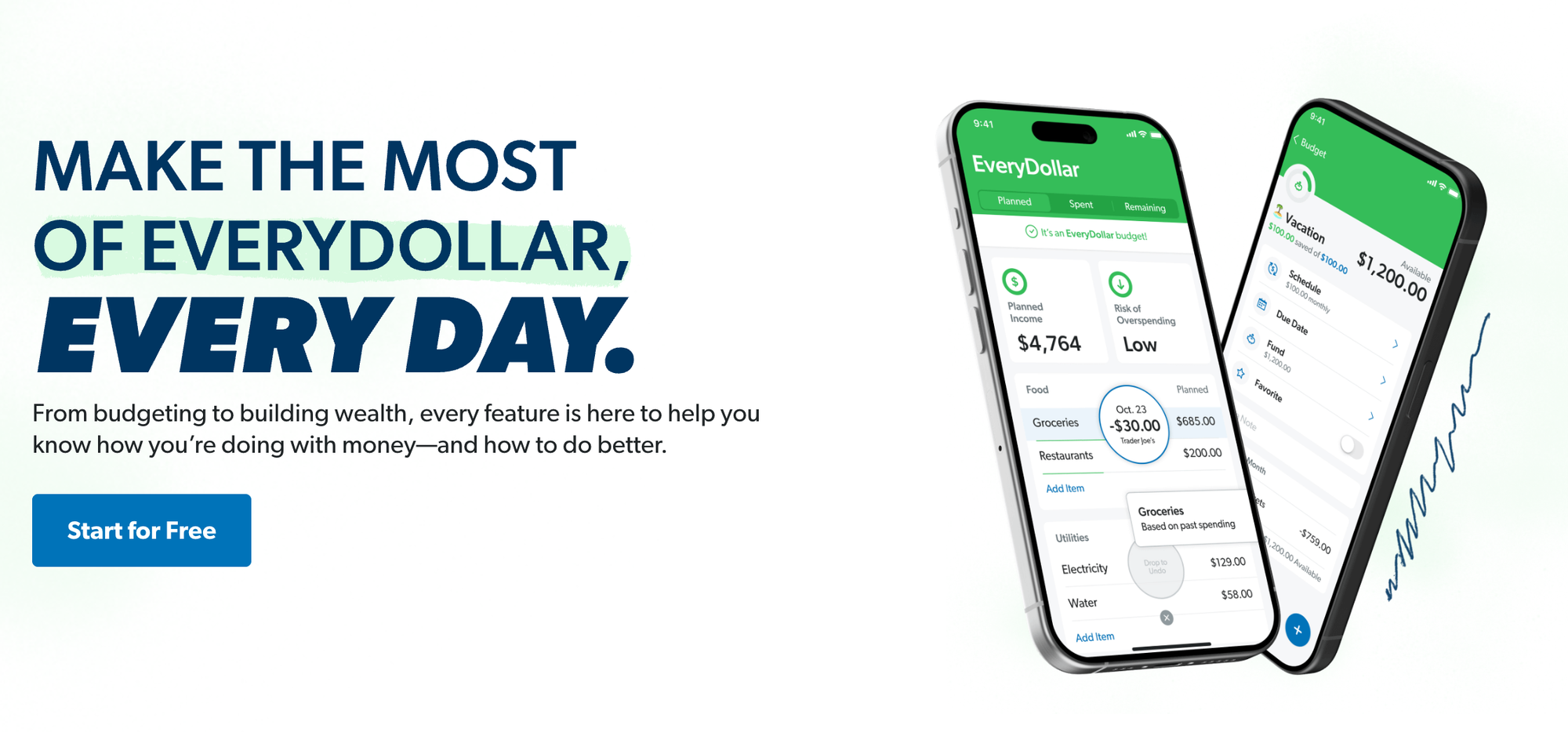
If you're a Dave Ramsey person, you already know about EveryDollar. It's zero-based budgeting like YNAB, but simpler and built around Ramsey's whole philosophy.
The free version actually works—you can create your budget and track expenses manually without paying anything. The paid version adds bank syncing plus this new "Margin Finder" feature they added in January 2026 that supposedly helps you find recurring expenses to cut.
Beginners like it because the interface is clean and way less overwhelming than YNAB. It's structured around clear steps: pay off debt, build emergency fund, etc. If you're following those "Baby Steps," this makes sense.
Where it falls short: you still need to understand zero-based budgeting to use it well. Bank sync costs $80/year, which isn't cheap. And if you're not already bought into Dave Ramsey's approach, the whole thing can feel pretty rigid.
Great for Ramsey followers. If that's not you, the structure might feel more restrictive than helpful.
4. Quicken Simplifi - Best for Visual Dashboards
Price: $2.99/month (for the first year) then $5.99/month
Best for: People who want a snapshot of everything
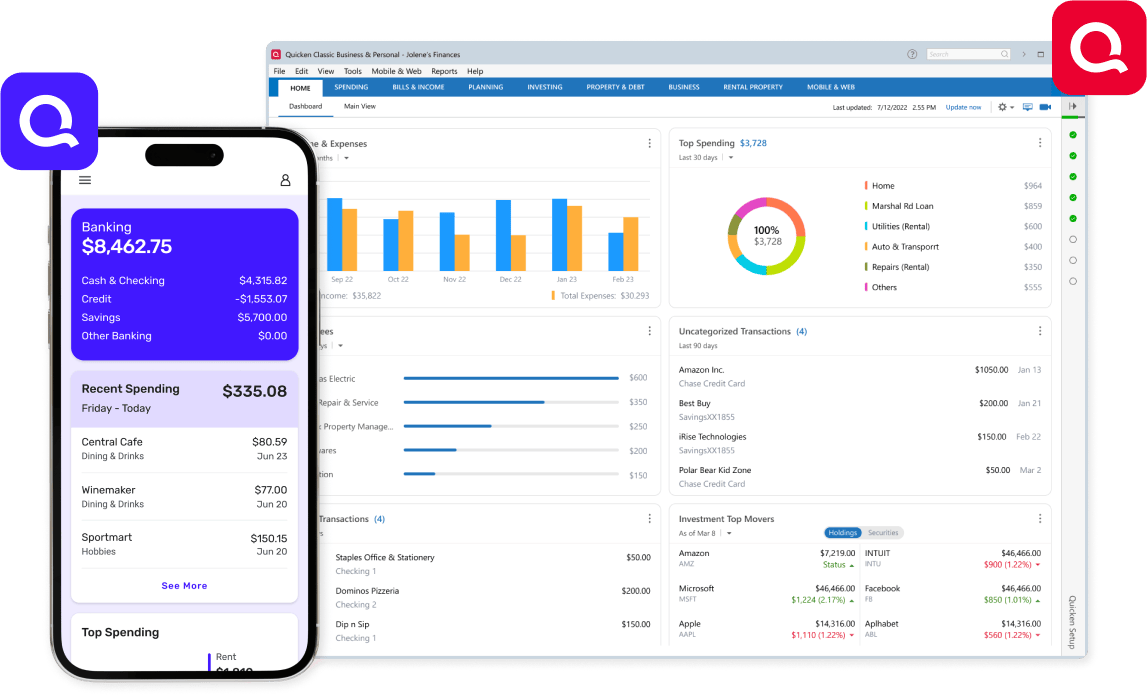
Simplifi is what happens when you take the full power of Quicken and strip it down to just the essentials. You get automatic bank syncing, spending trends, and bill tracking without drowning in features you'll never use.
The dashboard actually is pretty clean—you can see everything at once without hunting through menus. The automatic categorization works better than most apps I tested. And the bill reminders are legitimately useful for avoiding overdrafts.
But it requires bank account linking, which some people just don't want to do. The monthly subscription adds up over time. And sometimes it can still feel like information overload even though it's "simplified" compared to full Quicken.
If you want automation and you're fine with cloud syncing, this is solid. Just not as dead simple as BentoMoney, and not as powerful as YNAB. It's very much the middle option.
5. Excel/Google Sheets - Best for Total Control
Price: Free
Best for: People who want complete customization
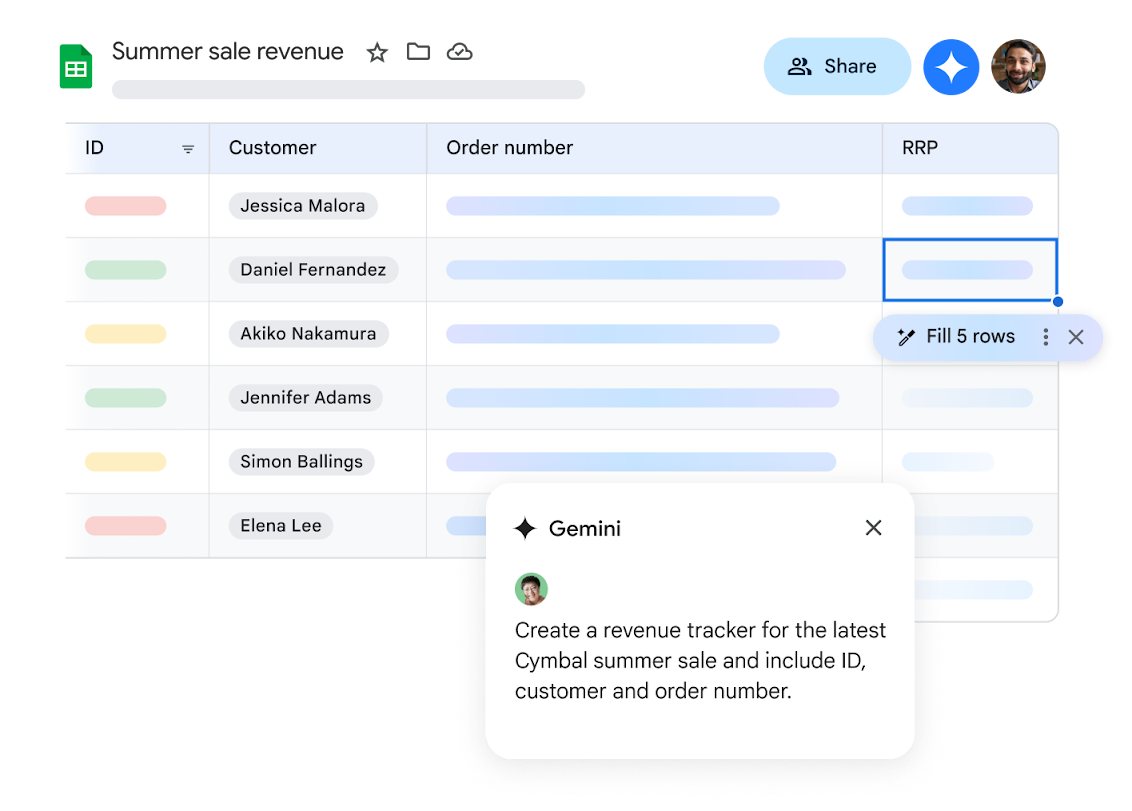
The classic approach that's been around forever: build your own budget from scratch in a spreadsheet.
People love spreadsheets because they're free, you have total control over every cell and formula, there are zero privacy concerns (it's just a file on your computer), and you can customize them for literally any budgeting method you can think of.
But here's what actually happens: beginners try this, get excited about building the perfect budget system, spend hours setting up formulas... and then one formula breaks and suddenly nothing calculates correctly and they have no idea how to fix it. No mobile app means you can't check your budget while you're out. And maintaining the whole thing becomes this massive time sink.
I've seen so many people try the spreadsheet route, get frustrated with #REF! errors, and just give up on budgeting entirely because they think they're bad at it. When really, they just picked a tool that requires spreadsheet expertise on top of budgeting knowledge.
If you genuinely love spreadsheets and know your way around formulas, go for it. But if you're here because you're trying to learn budgeting, not Excel, pick an actual app.
Comparison Table
| Feature | BentoMoney | YNAB | EveryDollar | Simplifi |
|---|---|---|---|---|
| Setup Time | 2 minutes | 2-4 hours | 30 minutes | 15 minutes |
| Learning Curve | Zero | Steep | Moderate | Gentle |
| Main Question | "What can I spend today?" | "Check categories" | "Check budget" | "Check dashboard" |
| Price (1 Year) | $39 lifetime | $109/year | Free or $80/year | $36/year or $72/year |
| Price (5 Years) | $39 | $545 | $0 or $400 | $180 or $360 |
| Architecture | 100% Offline/Local | Cloud-Synced | Cloud-Synced | Cloud-Synced |
| Bank Sync | No (intentional) | Yes | Yes (paid) | Yes |
| Best For | Simplicity | Serious budgeters | Ramsey fans | Visual learners |
Which App Should You Choose?
Choose BentoMoney if: You want the simplest system. One number, manual tracking, no complexity. Perfect for people trying budgeting for the first time or graduating from Excel.
Choose YNAB if: You're ready to commit to learning a methodology and want to fundamentally change your money habits.
Choose EveryDollar if: You're following Dave Ramsey's Baby Steps or want structure around debt payoff.
Choose Simplifi if: You want automation and dashboards without YNAB's complexity.
Choose Sheets if: You genuinely enjoy building systems and have time to maintain them.
Getting Started: Your First Week
Whichever app you choose, here's how to start:
Day 1: Download the app and enter your income. Just your take-home pay after taxes.
Day 2: Add your fixed expenses. Rent, utilities, subscriptions—anything that's the same every month.
Day 3: Set a savings goal. Even $50/month for an emergency fund counts.
Day 4: Look at your daily budget. This is what you can spend on everything else.
Day 5-7: Track every purchase. Just log it. Don't judge yourself, just build the habit.
After one week, you'll know if the app works for you. If it feels like a chore, try a different one. The best budget app is the one you'll actually use.
Once you're comfortable with budgeting basics, you might want to explore more options. I compared 9 expense tracker apps for iPhone to help you find the right fit.
Common Questions
What's the best free budget app for beginners?
EveryDollar's free version works for manual budgeting. But if you can afford $25 once, BentoMoney's lifetime purchase beats any subscription long-term.
Do I need to connect my bank account?
No. Bank syncing sounds convenient but often breaks or has 2-3 day delays. Manual entry takes 3 minutes a day and builds better spending awareness. For expense trackers that don't require bank access, you have options.
What is the 50/30/20 budget rule?
It's that framework where you're supposed to put 50% of your income toward needs, 30% toward wants, and 20% toward savings. Sounds reasonable, right?
Except in 2026, if you're living in any major city, your "needs" are probably eating up 60-70% of your income thanks to rent and general inflation. Trying to stick to that 50% feels like you're failing before you even start.
This is actually why BentoMoney's approach works better for people just starting out. Instead of forcing yourself into these rigid percentages that don't match your actual life, it just calculates what you have left after your real fixed expenses. No guilt trip, no comparing yourself to some formula that was written before rent hit $2,000 for a studio.
Can ChatGPT make me a budget?
ChatGPT can help you brainstorm ideas for sure. "Give me 7 ways to cut my grocery bill" or "What should I prioritize paying off first?" That kind of thing works great.
But when it comes to the actual numbers? LLMs are statistical models, not calculators. Even the 2026 models like GPT-5.2 still mess up arithmetic when you're dealing with multiple small values or anything with complex thresholds. I've seen them miscalculate simple annual budgets, completely forget about leap years, or confidently tell you something that directly contradicts the numbers you just gave them.
Use AI for brainstorming. Use an actual app for the math. Because if your budget is off by even $20, that can mess up your whole month.
Start Simple, Stay Consistent
Look, budgeting doesn't have to be this complicated thing. You don't need a PhD in personal finance. You don't need a color-coded spreadsheet system that would impress a CPA.
You just need to know what you can actually afford to spend without the constant anxiety of checking your bank balance and doing mental math every single time you want to grab lunch.
Most people fail at budgeting because they download some app that's way too complex for where they're at. They spend hours setting up categories, get overwhelmed, and quit after two weeks. Then they feel terrible about being "bad with money" when the real problem was just picking the wrong tool.
The best budget app is the one you'll still be using in a month. Not the one with the most features. Not the one your friend keeps telling you to try. The one that actually fits how your brain works and doesn't make you want to throw your phone.
For most people starting out, that's BentoMoney. One number. Manual tracking that takes 10 seconds. No shame, no complexity, no $109/year subscription making you feel worse about your financial situation.
But if YNAB's whole methodology clicks for you, or if EveryDollar's structure makes sense because you're already into Dave Ramsey, or if you genuinely enjoy building spreadsheets—do that. I mean it. There's no "wrong" choice as long as you're actually using it.
The goal isn't finding the "perfect" app. It's stopping the overdrafts and actually knowing where your money goes.
Pick one. Give it a full week. If it works for your brain, keep going. If it doesn't, try something else.
You've got this.