
How BentoMoney Works
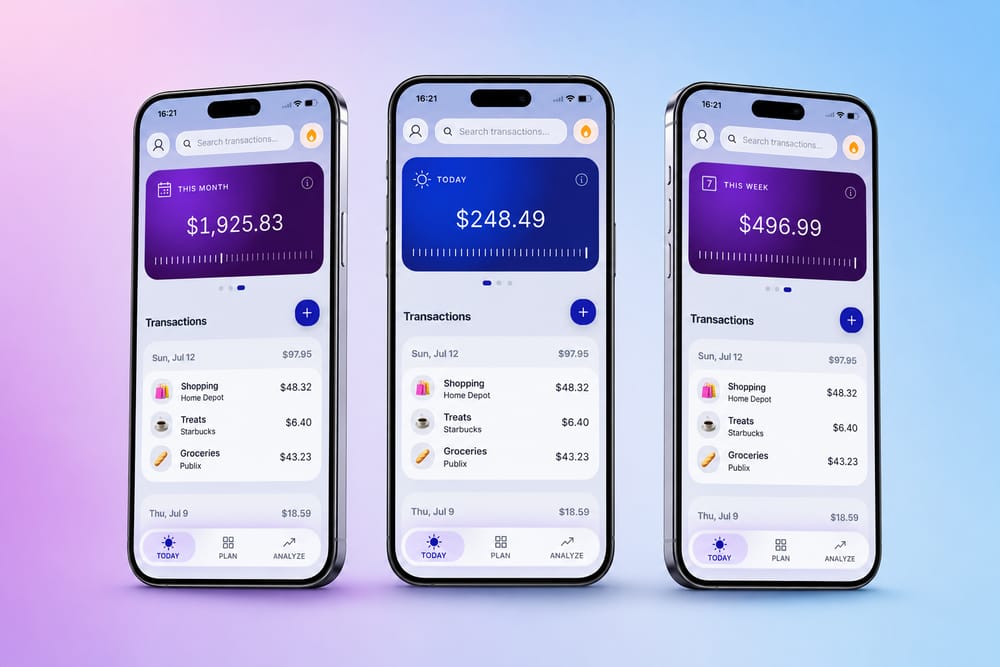
You give it three things: what comes in, what’s already committed, and what you want to put aside. It gives you one number back, called Available Today, and updates it every time you log a purchase.
It’s the first thing you see when you open the app, and there’s a Home Screen widget so most days you don’t have to open anything.
Here’s the whole thing, including the math and what happens on the days you get it wrong.
Step 1. Tell it what comes in
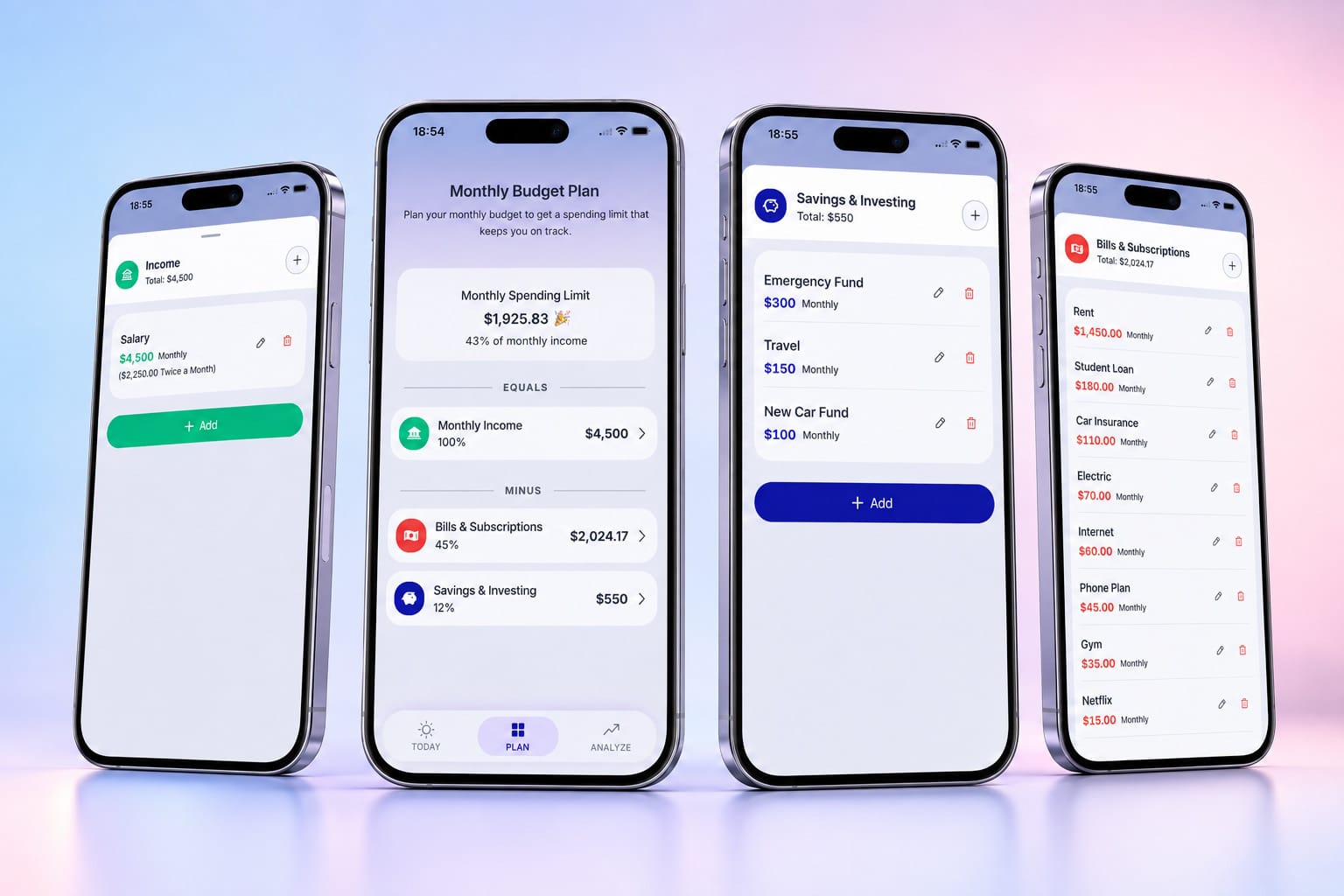
Your pay. Any side income. Salary, biweekly pay, freelance work, a bonus when it lands.
Takes about thirty seconds.
Step 2. Tell it what’s already committed
Rent. Phone. Insurance. The subscriptions you forgot about until you looked. Then whatever you want to put aside for savings.
This is the part your bank balance leaves out, which is why the balance can’t answer the question on its own. There’s a longer version of that argument here.
Set up your recurring income and bills once, then change them when something actually changes. Most months you won’t touch it.
Step 3. It does the division
What’s left after bills and savings gets divided across the days in the month. That’s your daily allowance, and it’s where Available Today starts.
The math, in the open
No black box. Here’s someone setting up on the 1st:
| Money in | $3,200 |
| Bills | −$1,750 |
| Savings | −$400 |
| Left to live on | $1,050 |
| Days in the month | 30 |
| Available Today | $35 |
Start mid-month and the same sum runs on the days you have left. Day one is day one; the app doesn’t guess at what you spent before you showed up.
Everything else sits on top of that one number: the weekly and monthly views, the charts, the streaks.
Logging a purchase takes five to ten seconds
Tap the plus. Enter the amount, pick a category, add a note if you want one. Available Today updates immediately.
No receipt scanning, and no waiting to find out whether a pending charge has already been counted.
Bringing history over from another app or a spreadsheet? There’s CSV import.
The days you spend less
Say Available Today is $35 and you spend $22.
The $13 doesn’t vanish. It rolls over and lands on top of tomorrow, so tomorrow you’ve got $48.
Underspending stops feeling like going without and starts feeling like buying yourself a bigger Saturday. It’s the same idea behind the $27.39 Rule.
 Radu Negrean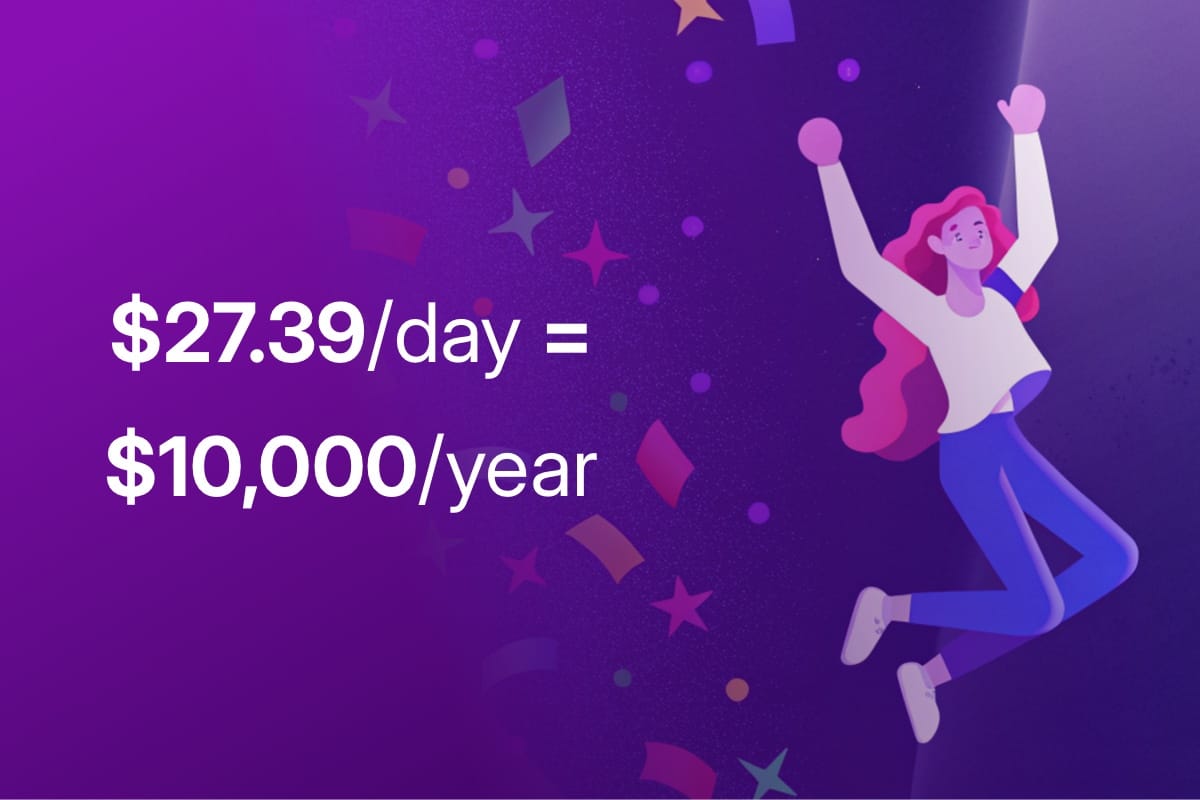
The days you spend more
Same rule, running the other way.
Spend $85 on a $35 day and the extra $50 comes off tomorrow. Tomorrow opens at −$15. BentoMoney calls that a Daily Deficit and shows you the number instead of hiding it.
It’s blunt on purpose. You spent tomorrow’s money, so tomorrow knows about it. You dig out the same way you got in: a few days under your allowance and you’re back above zero.
Nothing scolds you and nothing turns your whole month into a failure. It’s one running balance, and it’s always telling you the truth about where you stand.
Daily, weekly, or monthly
Some people think in days. Some do a big shop on Saturday and want to see the week.
Same math, three views. Switch whenever.
All three have a Home Screen widget. Put whichever one you actually think in on your phone, and most days you’ll get your answer without opening anything. Tap a widget and it opens the matching view.
Why you type it in yourself
The honest objection first: it sounds like a chore.
Apps that pull from your bank tell you what you spent after you’ve spent it. That’s a receipt, not a budget, and you stop reading receipts after about two weeks.
Typing in the $14 lunch means you notice the fourteen dollars while you can still do something about it. There’s a fuller version of the argument in do you need to track every expense.
Half a minute a day, tops. That’s the deal.
Where your data lives
On your phone. Nowhere else.
There’s no account to make, no password, and no server holding your spending history, because there is no server. Nothing gets uploaded, nothing gets sold, and the whole app works offline, so it’s just as happy in airplane mode or with no signal.
The flip side, said plainly: BentoMoney has no copy of your data, so if you delete the app it’s gone. Export your transactions to CSV first if you want to keep them.
If you’ve ever handed a budgeting app your bank login and felt slightly odd about it, this is the version where that question doesn’t come up.
What it doesn’t do
Worth being clear, so you don’t download it expecting the wrong thing:
- It doesn’t connect to your bank
- It doesn’t do investments, net worth or credit scores
- It doesn’t split bills with roommates
- It doesn’t run on Android, and there’s no web version. iPhone only
It does one thing: tells you what’s safe to spend today. If you want the app that does everything, this isn’t it.
What it costs
Try it free for seven days on the annual plan. Cancel before the trial ends and you won’t be charged.
- Annual: $14.99/year
- Lifetime: $39, one time
Choose the annual plan or pay once for lifetime access.Full pricing
I don’t run ads and I don’t sell anything about you. You pay me, so I work for you.